Skip to content
📘 What Is IPTV Video Quality and Why It Matters
The IPTV video quality you experience depends on your connection speed, device performance, and the IPTV provider’s server reliability. IPTV — Internet Protocol Television — streams live and on-demand TV over the internet instead of cable or satellite.
This means you can watch thousands of global channels, sports, and movies from anywhere in the world, as long as your video quality is properly configured. Whether you choose HD or 4K, the difference in resolution and speed can completely change your viewing experience.
⚡ HD vs 4K – What’s the Real Difference?
Understanding the difference between HD (High Definition) and 4K (Ultra HD) is essential for optimizing your IPTV experience:
| Feature | HD (1080p) | 4K (Ultra HD) |
|---|---|---|
| Resolution | 1920×1080 pixels | 3840×2160 pixels |
| Bandwidth Need | 10 Mbps | 25 Mbps+ |
| Quality | Clear & smooth | Ultra-detailed & realistic |
| Best For | Everyday streaming | Premium large-screen viewing |
In short: HD IPTV is great for users with moderate internet speeds, while 4K IPTV delivers cinema-level sharpness for those with powerful connections.
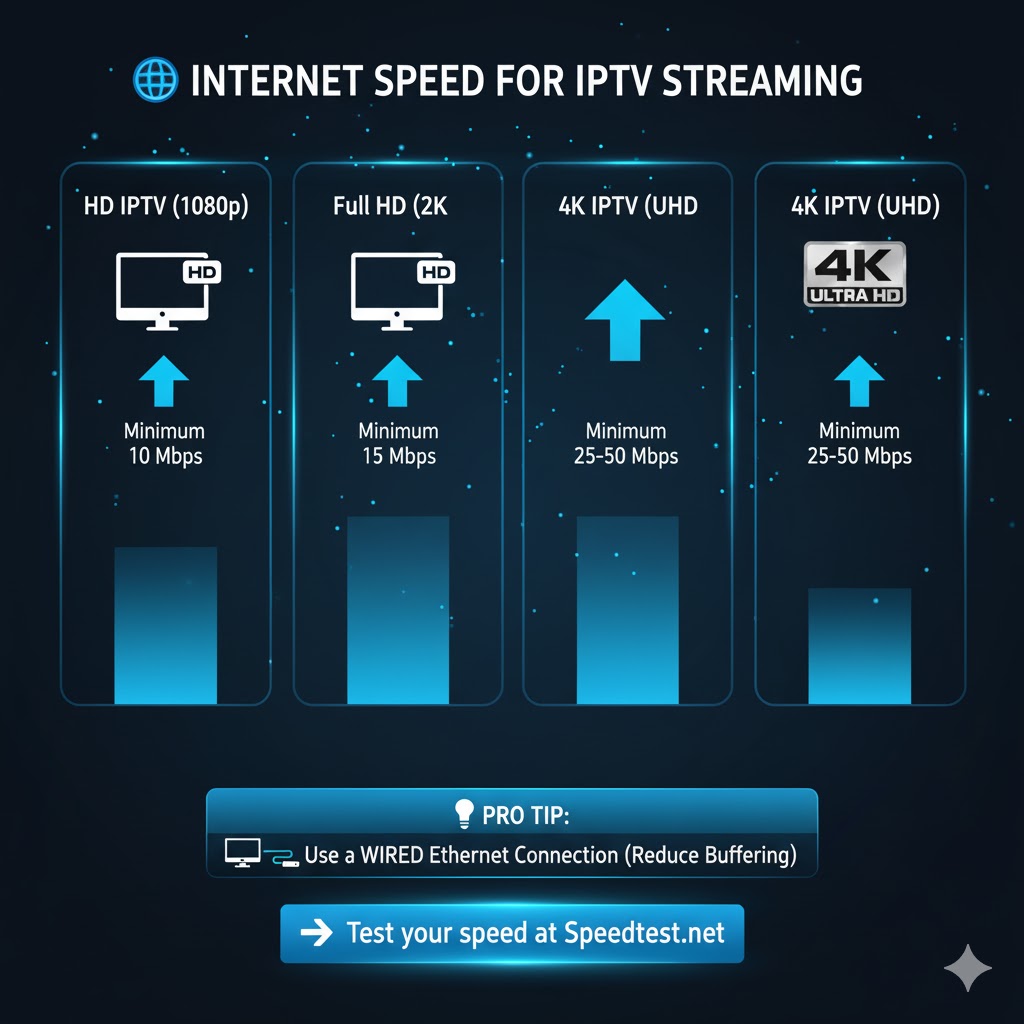
🌐 Internet Speed Requirements for IPTV Streaming
For the best IPTV video quality, your internet speed is the key. Here’s what’s recommended:
- HD IPTV (1080p): Minimum 10 Mbps
- Full HD IPTV (2K): Minimum 15 Mbps
- 4K IPTV (UHD): Minimum 25–50 Mbps
💡 Pro Tip:
Always use a wired Ethernet connection instead of Wi-Fi to reduce buffering and ensure consistent streaming.
You can test your connection at 👉 Speedtest.net before watching IPTV.
🧠 How to Improve Your IPTV Video Quality
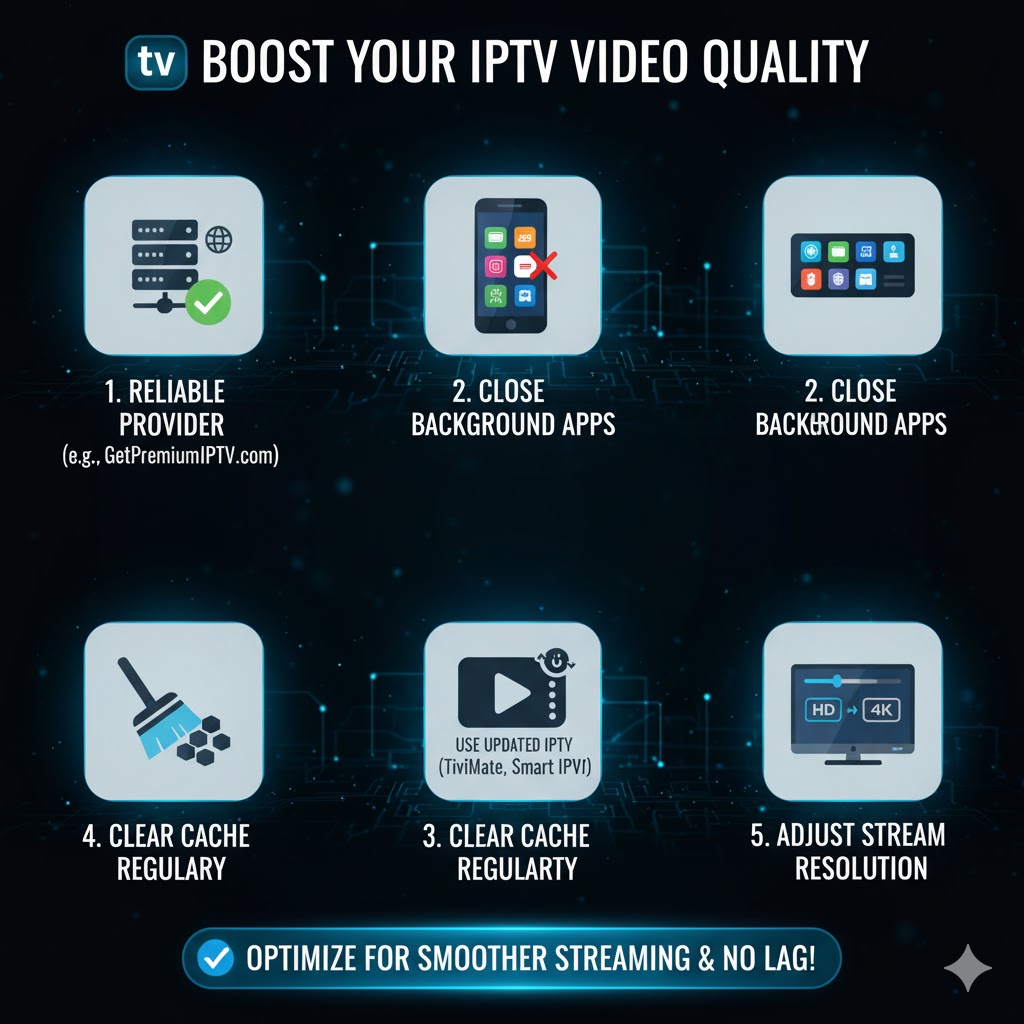
Even with fast internet, you can enhance your IPTV performance using these expert tips:
- Choose a reliable provider with fast servers and 99.9% uptime (like GetPremiumIPTV.com).
- Close background apps on your device to free up bandwidth.
- Use updated IPTV players like TiviMate, Smart IPTV, or Flix IPTV.
- Clear cache regularly for smoother performance.
- Adjust your stream resolution manually if your device supports it.
These small optimizations can significantly improve the IPTV video quality and eliminate lag or buffering issues.
📱 Best Devices for HD and 4K IPTV Streaming
Modern IPTV services are designed for flexibility. You can stream HD or 4K IPTV on almost any device, including:
- Smart TVs (Samsung, LG, Sony, Android TV)
- Amazon Fire Stick and Chromecast
- Android TV Boxes
- Laptops and PCs
- Smartphones and Tablets
The best IPTV apps automatically detect your device’s display capabilities and adjust video quality for the smoothest experience.
🧩 Common IPTV Quality Problems and How to Fix Them
Even the best IPTV users encounter occasional issues. Here’s how to fix them fast:
- Buffering or lag: Restart your router and use Ethernet.
- Pixelated video: Lower resolution temporarily to stabilize the stream.
- Audio delay or sync issues: Restart your IPTV player or clear cache.
- App crash: Update your IPTV player to the latest version.
👉 Need help? Read our quick guide: Fix IPTV Buffering Fast
💎 Why Choose GetPremiumIPTV.com for the Best Video Quality
At GetPremiumIPTV.com, we prioritize streaming performance. Our service delivers:
- Superior HD & 4K quality
- 20,000+ live channels and VOD
- Global server coverage
- 99.9% uptime
- 24/7 customer support
Whether you’re watching live sports, movies, or international channels, we ensure your IPTV video quality stays crisp and consistent.
🚀 Conclusion: Master IPTV Video Quality in 2025
In 2025, IPTV continues to redefine home entertainment with advanced streaming options and crystal-clear visuals.
If you want the best IPTV video quality, ensure your internet speed is strong, your device is optimized, and your provider is reliable.
👉 Start streaming today at GetPremiumIPTV.com and enjoy seamless HD and 4K IPTV content — wherever you are, whenever you want.