Skip to content
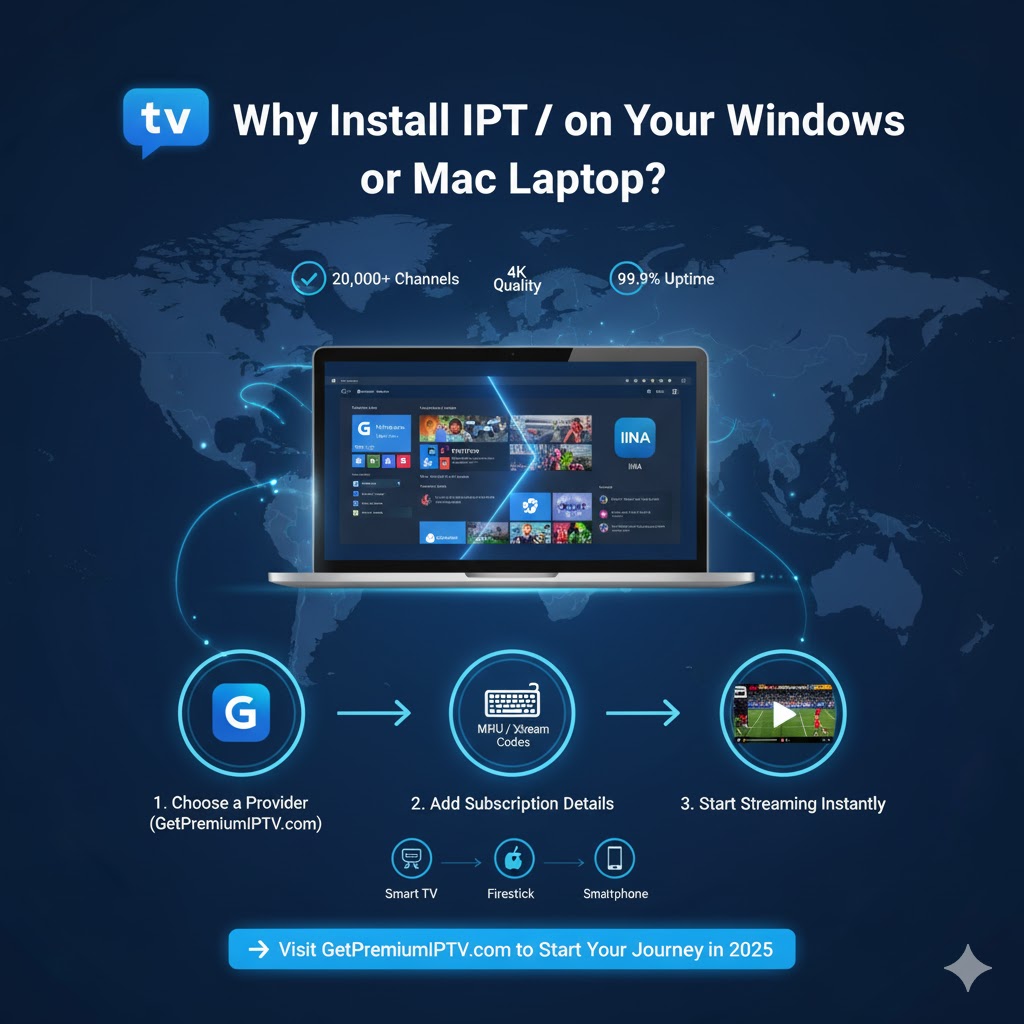
📺 Why Install IPTV on Your Windows or Mac Laptop?
To install IPTV on Windows and Mac laptops is one of the easiest ways to enjoy your favorite TV channels, movies, and live sports without needing a Smart TV or cable box.
By using IPTV (Internet Protocol Television), you can stream live and on-demand content directly through your internet connection. It’s flexible, fast, and perfect for people who prefer watching on laptops for mobility and performance.
⚙️ Step 1: Choose a Reliable IPTV Provider
Before setting up, select a provider that ensures stable and high-quality service.
We recommend GetPremiumIPTV.com because it offers:
- Over 20,000 live channels and VOD
- Stable servers with 99.9% uptime
- Works on Windows, macOS, Smart TVs, Firestick, and more
- HD & 4K streaming quality
Once subscribed, you’ll receive your M3U URL or Xtream Codes, which you’ll use later in your player.
🧩 Step 2: Download an IPTV Player for Windows and Mac
To watch IPTV, you’ll need a media player that supports M3U playlists or Xtream Codes.
💻 For Windows:
- MyIPTV Player (Microsoft Store)
- Open the Microsoft Store → Search MyIPTV Player → Click Install.
- Open Settings → Add new playlist and EPG source.
- Paste your M3U URL → Save and reload channels.
- VLC Media Player
- Download from VideoLAN.org.
- Open VLC → Media → Open Network Stream → Paste your M3U link → Play.
🍏 For Mac (macOS):
- IINA Player (lightweight and clean)
- Download from IINA.io.
- Open the app → File → Open URL → Paste your M3U playlist link.
- IPTV Smarters Pro
- Download from the official site or App Store.
- Choose Xtream Codes API and log in with your IPTV credentials.
💡 Pro Tip: VLC and IINA are both free and excellent for beginners.

🔑 Step 3: Add Your IPTV Subscription Details
After installing your preferred player:
- Open the app.
- Add your M3U link (or Xtream Codes login).
- Click Play, and your IPTV channels will load instantly.
To install IPTV on Windows and Mac successfully, make sure your internet connection is stable and fast — at least 10 Mbps for HD or 25 Mbps for 4K.
⚙️ Step 4: Customize Your IPTV Settings
Most IPTV players allow customization for a better viewing experience:
- Create channel categories (Sports, Movies, Kids, etc.)
- Adjust video resolution (HD or 4K)
- Add EPG (Electronic Program Guide)
- Turn on subtitles or change audio language
Personalizing these settings ensures smoother playback and easier navigation.
🧠 Step 5: Fix Common IPTV Issues
Even reliable setups can have occasional issues. Here’s how to solve them:
- Buffering or lag: Use a wired Ethernet connection instead of Wi-Fi.
- App not loading channels: Recheck your M3U URL or credentials.
- Pixelation: Lower stream resolution temporarily.
- Audio delay: Restart the app or device.
👉 Need more help? Read our guide: Fix IPTV Buffering Fast
🌍 Step 6: Enjoy IPTV Anywhere
Once you install IPTV on Windows and Mac, you can enjoy your favorite shows, sports, and live channels anywhere. Whether you’re home, traveling, or working remotely, IPTV gives you full control of your entertainment.
For best performance, GetPremiumIPTV.com provides 24/7 customer support, ensuring your IPTV experience stays smooth and reliable.
🧠 Final Tip: Get the Best IPTV Experience on Any Device
When you install IPTV on Windows and Mac, you’re not just setting up an app — you’re opening the door to endless entertainment. Make sure to choose a reliable IPTV provider, maintain a fast connection, and keep your player updated for flawless HD and 4K playback.
If you want stable servers and premium support, GetPremiumIPTV.com offers the perfect IPTV setup for 2025 — reliable, affordable, and easy to use.

🚀 Conclusion: Installing IPTV Is Easy and Worth It
Installing IPTV on your Windows or Mac laptop takes just a few minutes and opens up a world of entertainment.
With the right player, fast internet, and a trusted provider like GetPremiumIPTV.com, you’ll enjoy HD and 4K channels anywhere in 2025.
🎯 Ready to start streaming?
👉 Visit GetPremiumIPTV.com and choose your IPTV plan today!